
Digital Sticker Creation Tools and Editing Apps — Design and File-Prep Guide
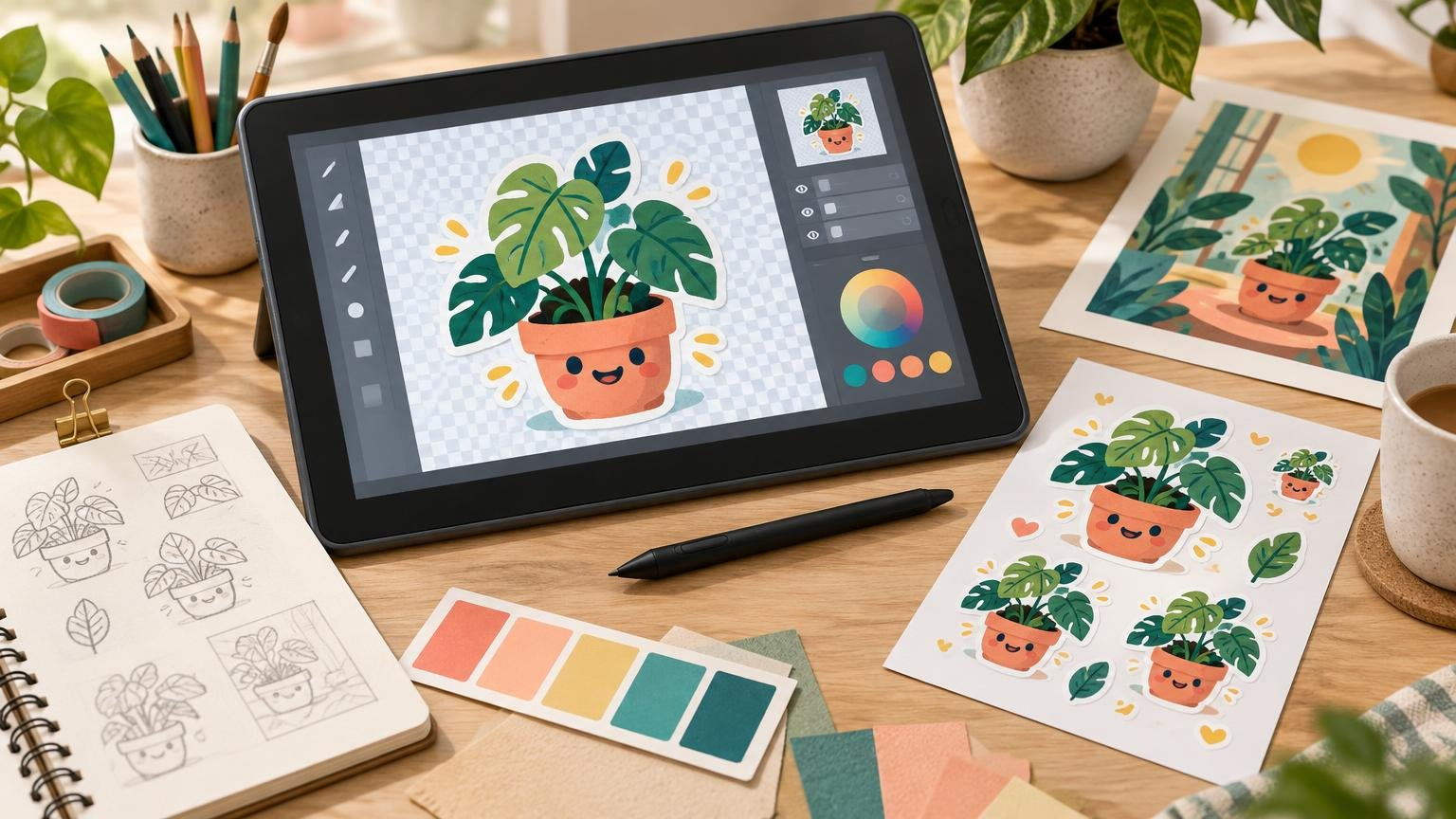
Choose a sticker design app based on how you draw, edit, cut, and print—then prepare files that preserve sharp edges, color, transparency, and positioning.
 Adam
Adam
Choose a sticker design app based on how you draw, edit, cut, and print—then prepare files that preserve sharp edges, color, transparency, and positioning.
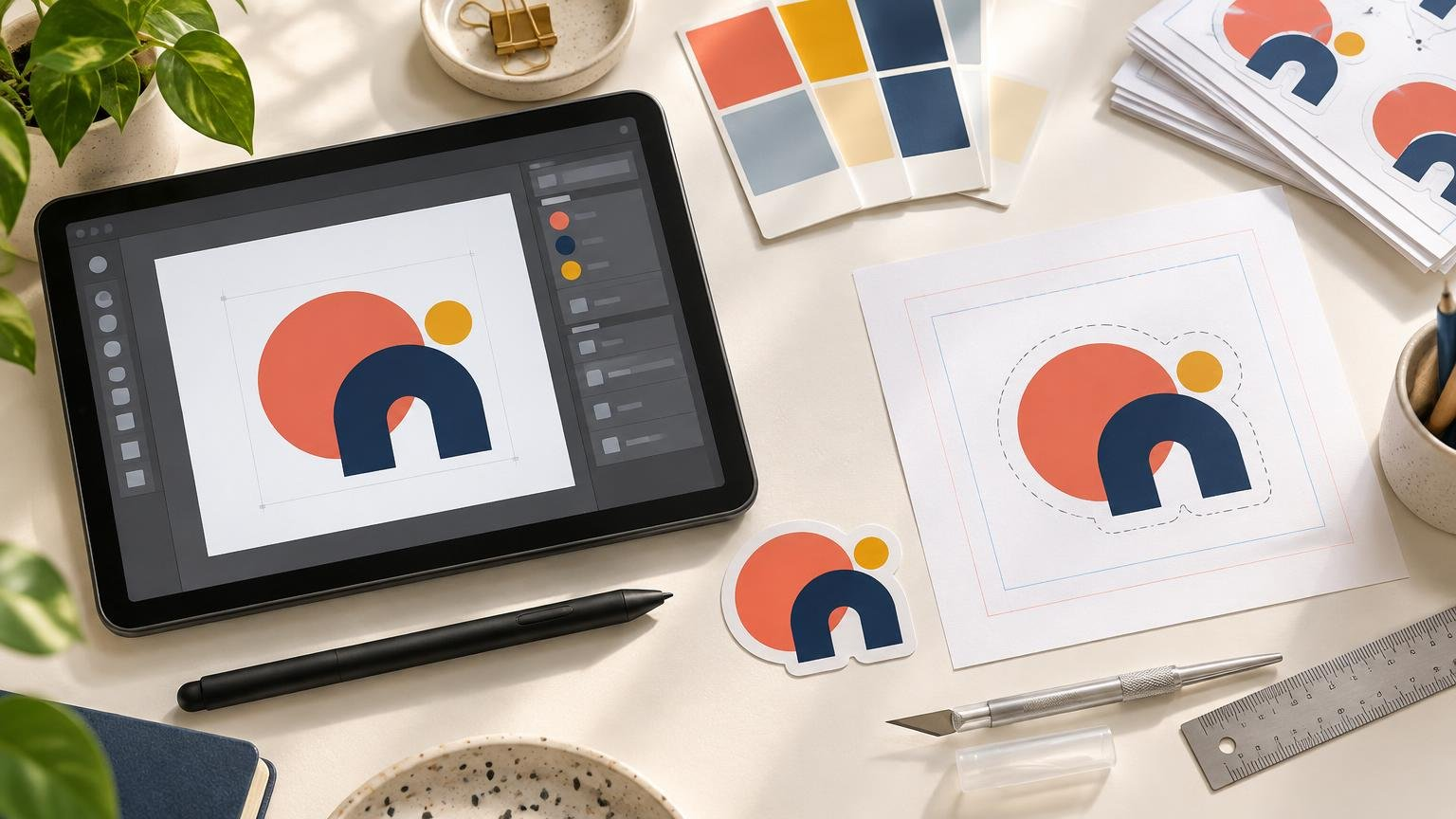
Turn an existing logo into a print-ready sticker by checking its legibility, selecting the right cut and material, preparing the file, and reviewing the proof.
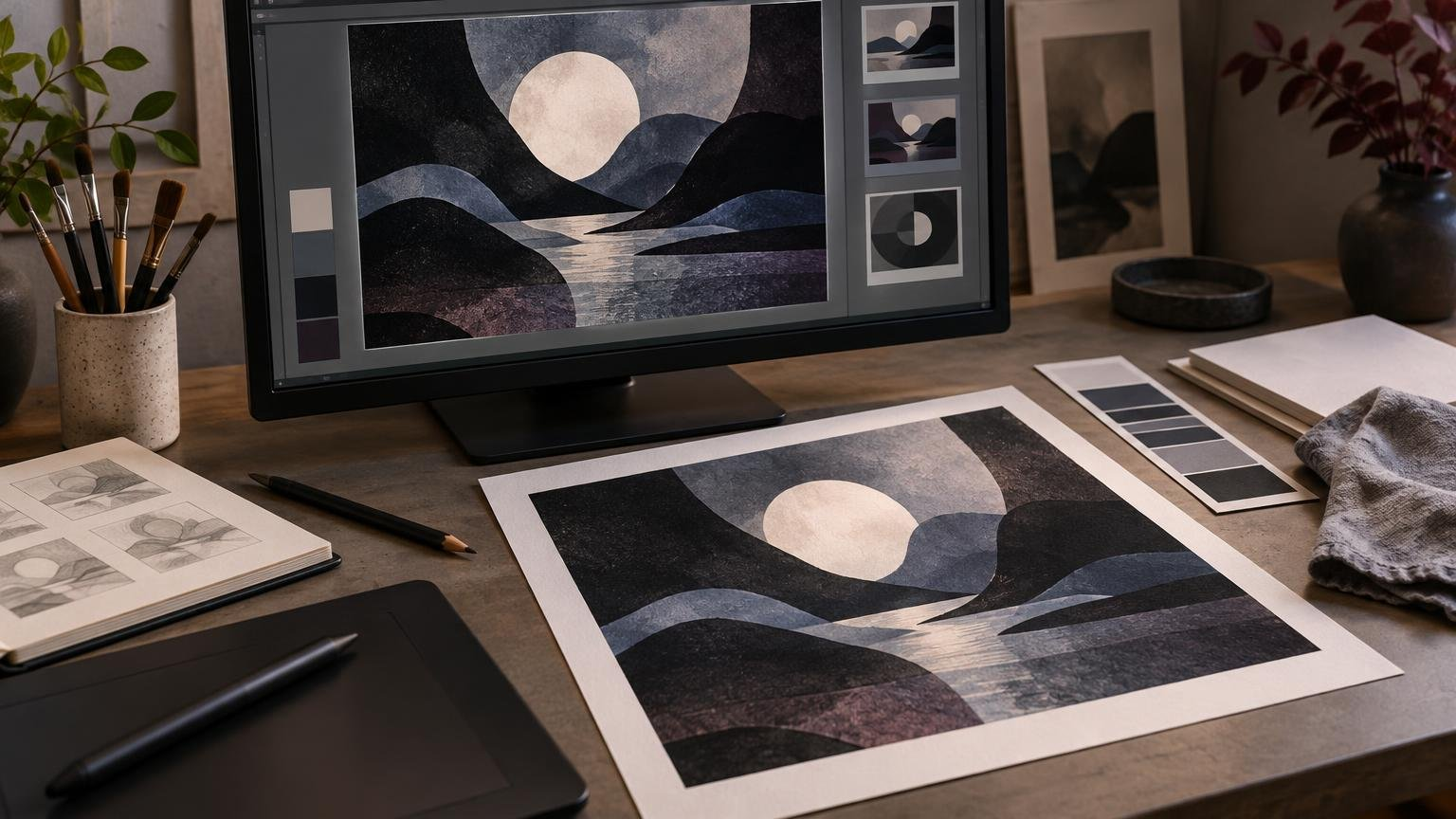
Black point compensation can preserve distinctions between dark tones during profile conversion, but it is not a universal fix. Learn when to test it and what to verify before printing.
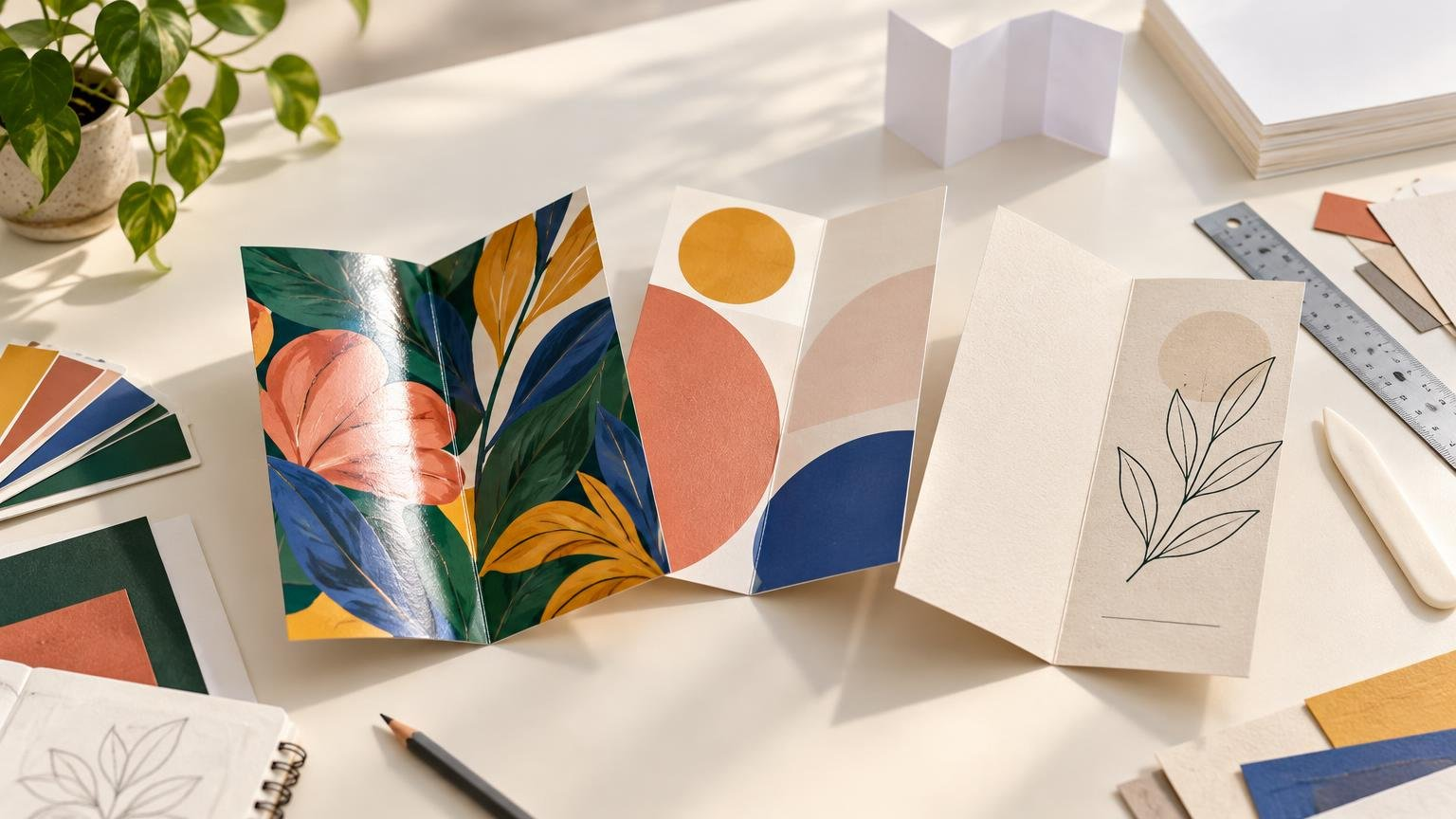
Match brochure paper weight, finish, and flexibility to the way your printed piece must fold, display images, handle glare, accept writing, and withstand use.
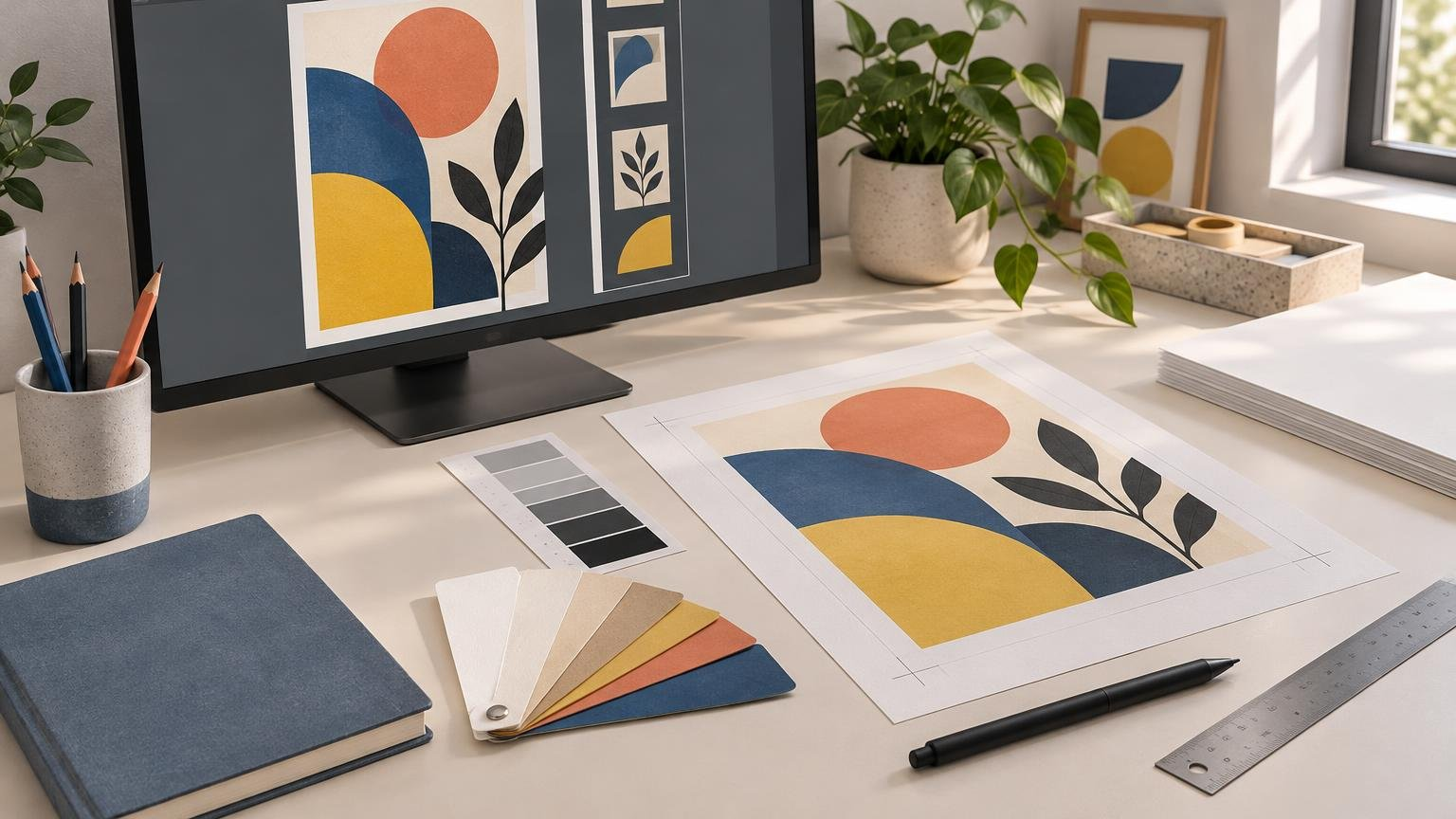
G7 is a calibration method, while GRACoL describes commercial-print conditions and supporting resources. Learn what that distinction means when preparing artwork, choosing profiles, and approving proofs.
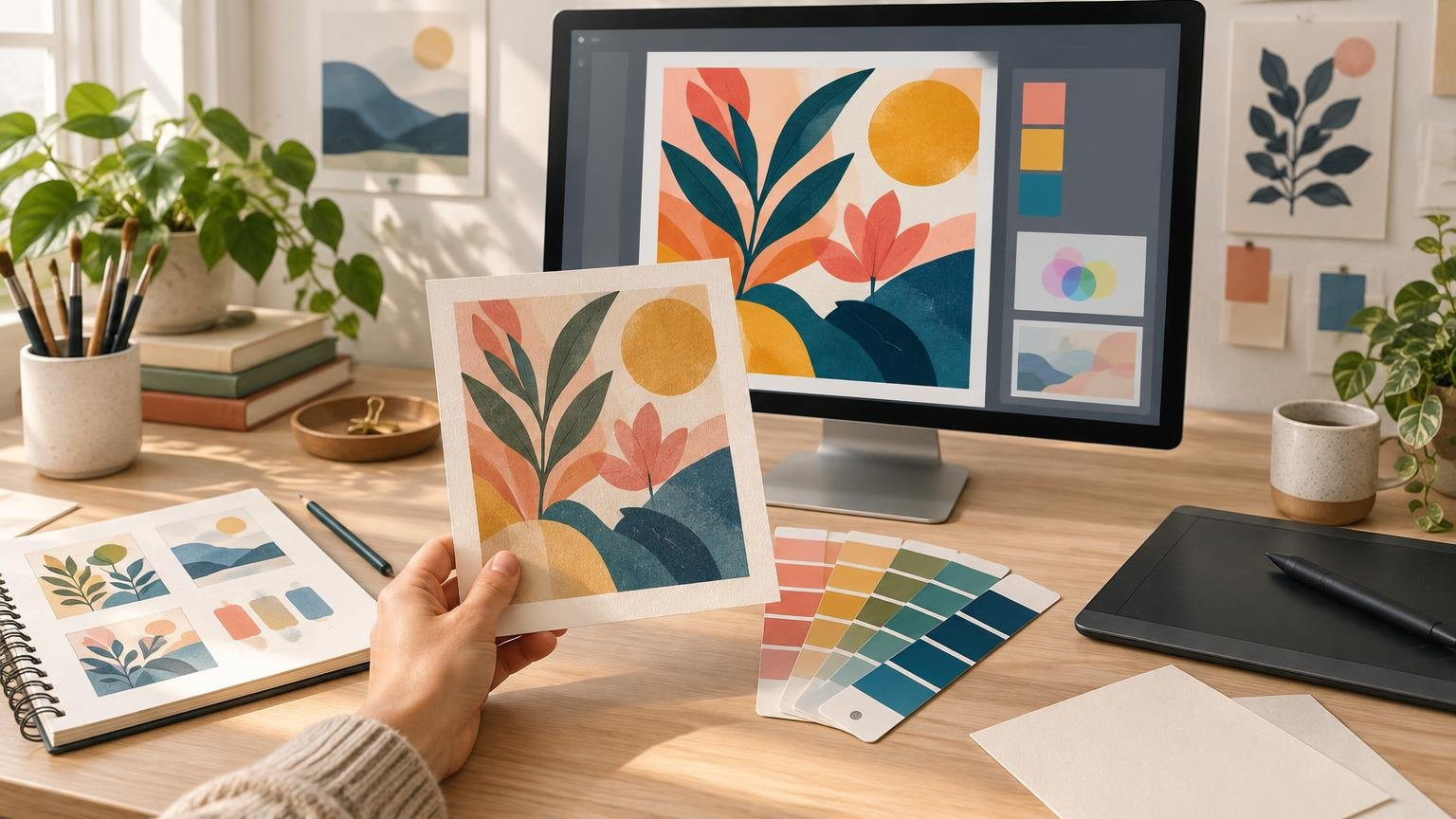
ICC profiles translate color for defined devices and print conditions. Learn how to choose the right profile, soft proof artwork, and prevent avoidable color shifts.

M0, M1, and M2 describe how a spectrophotometer illuminates printed material. Understanding their treatment of UV and fluorescence helps creators interpret Lab values, Delta E reports, proofs, and color-matching targets.
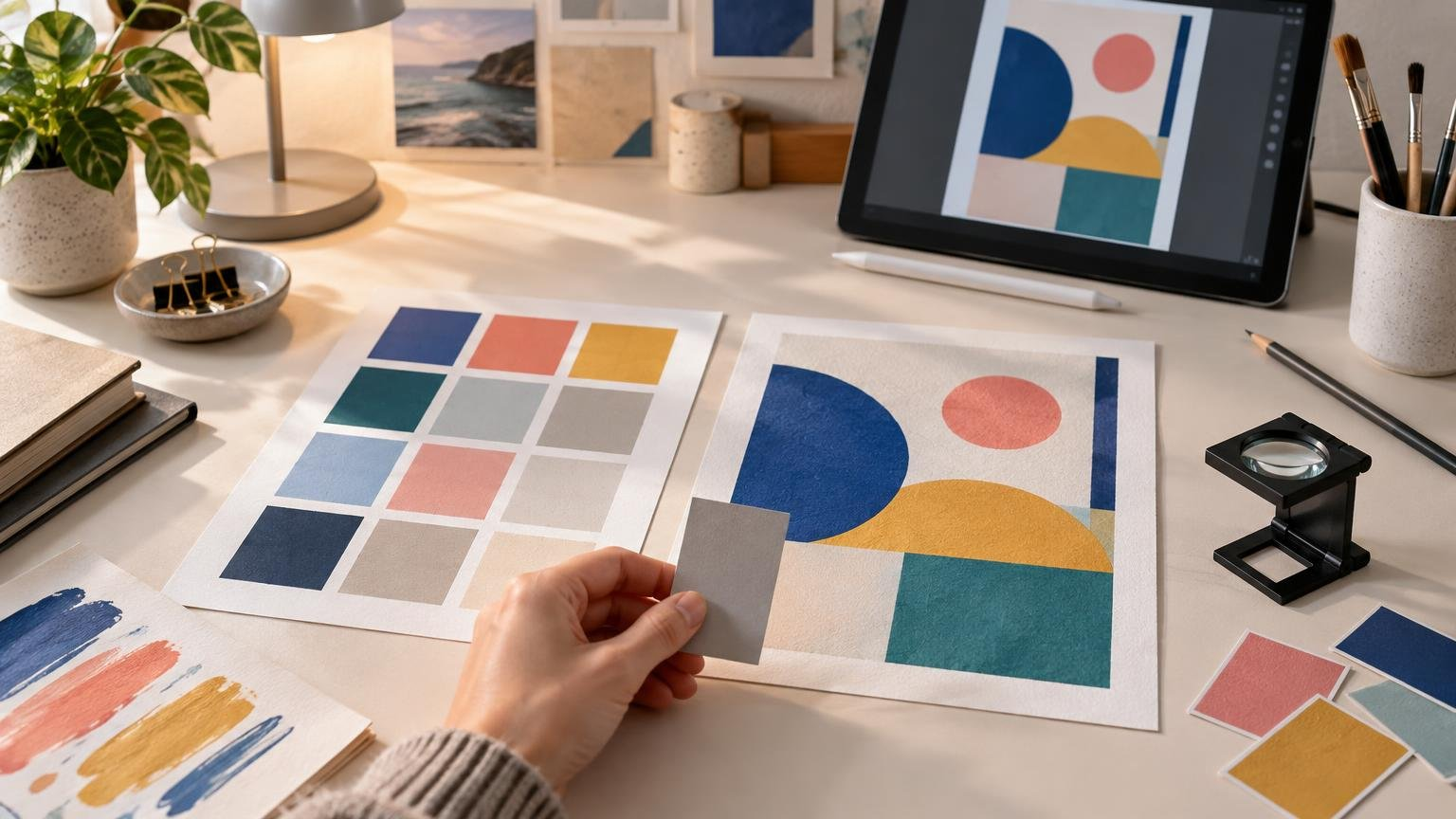
Delta E measures the numerical difference between a reference color and a printed result. Learn how to interpret it, prepare color-managed artwork, and approve proofs without relying on a universal tolerance.
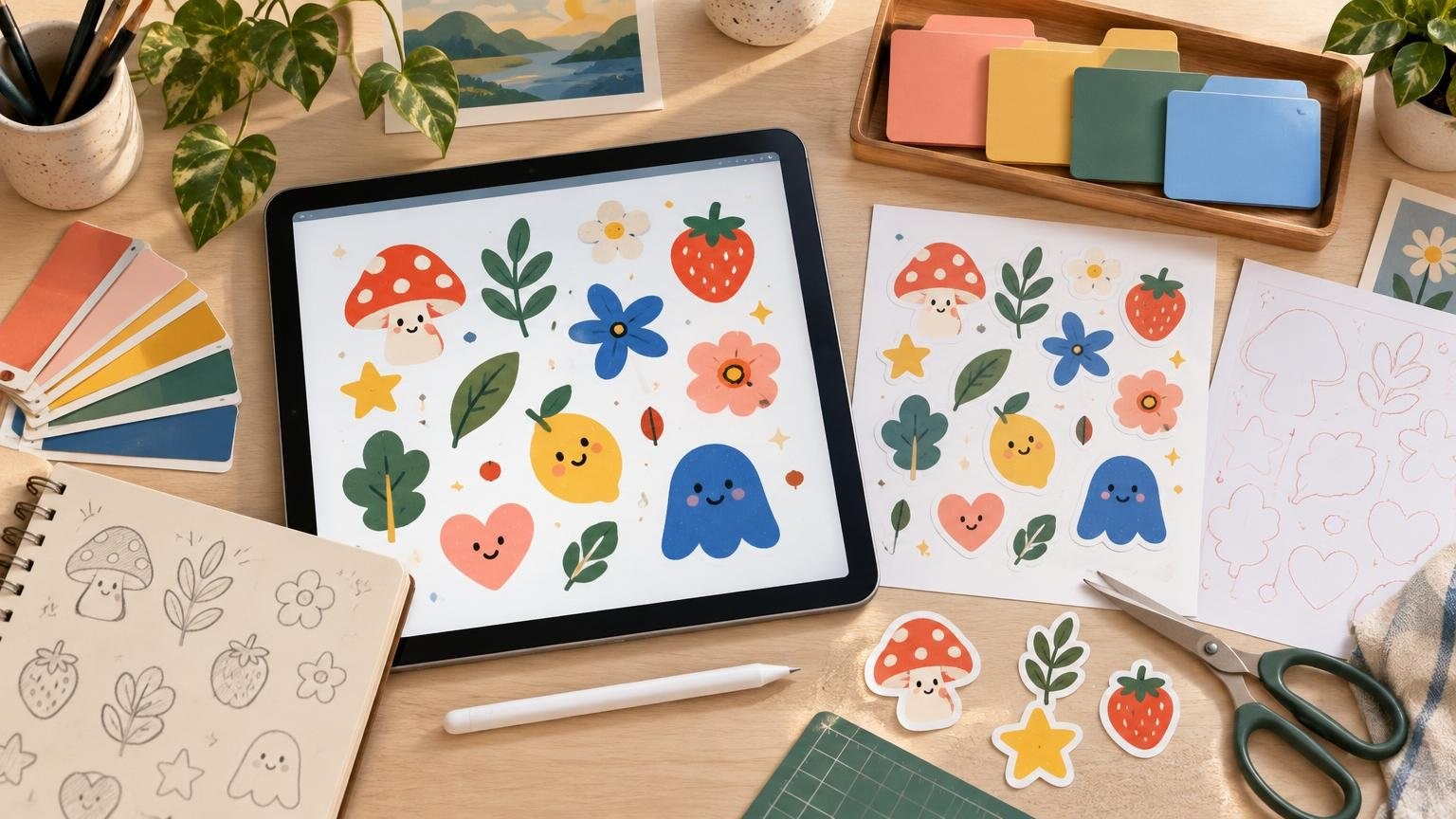
Turn original sticker artwork into dependable digital downloads, cutting files, printable sheets, or physical products with this practical file-preparation workflow.
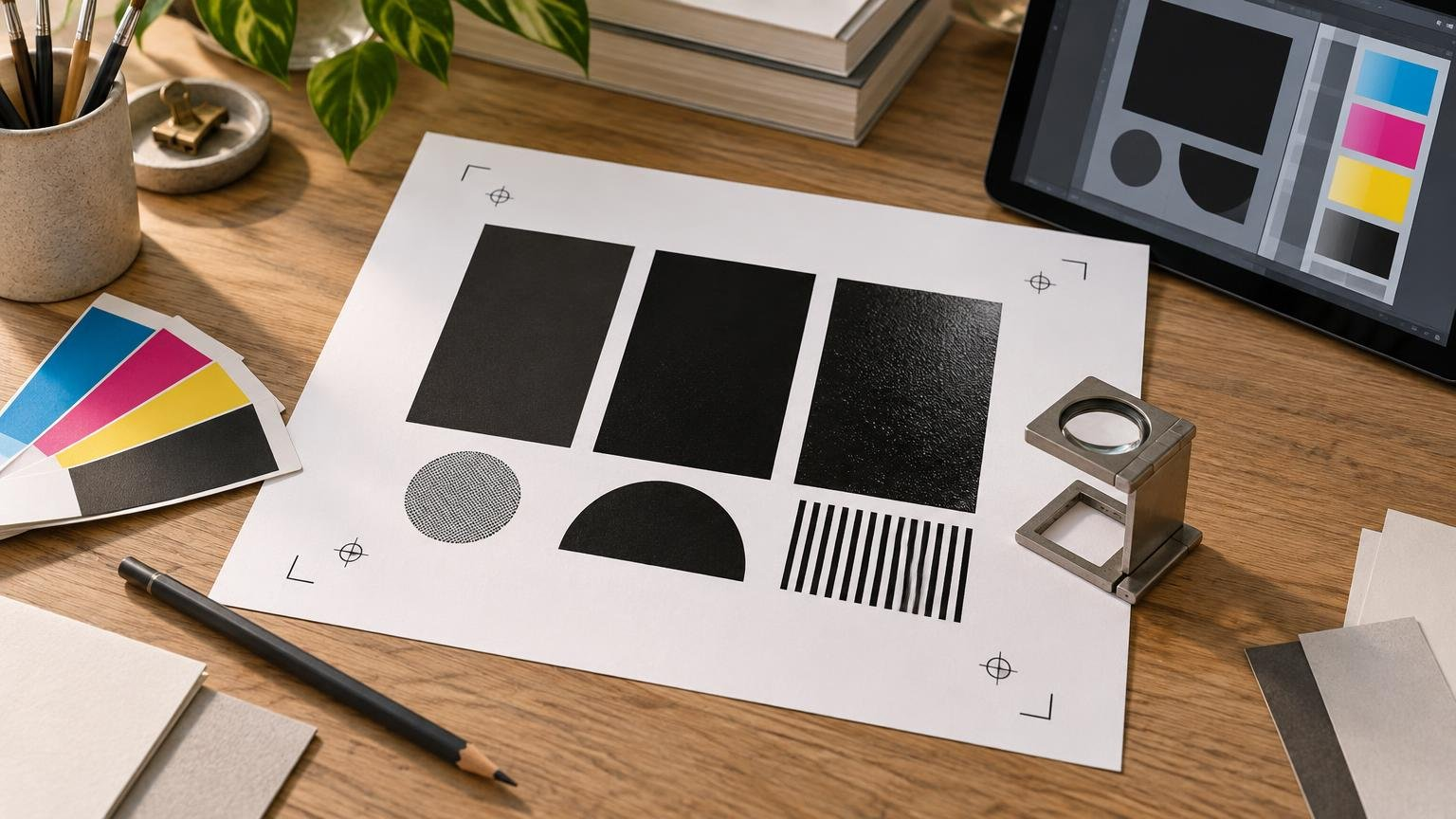
Registration black belongs on production marks, not ordinary artwork. Learn how it differs from 100K and rich black, then preflight each black build before printing.
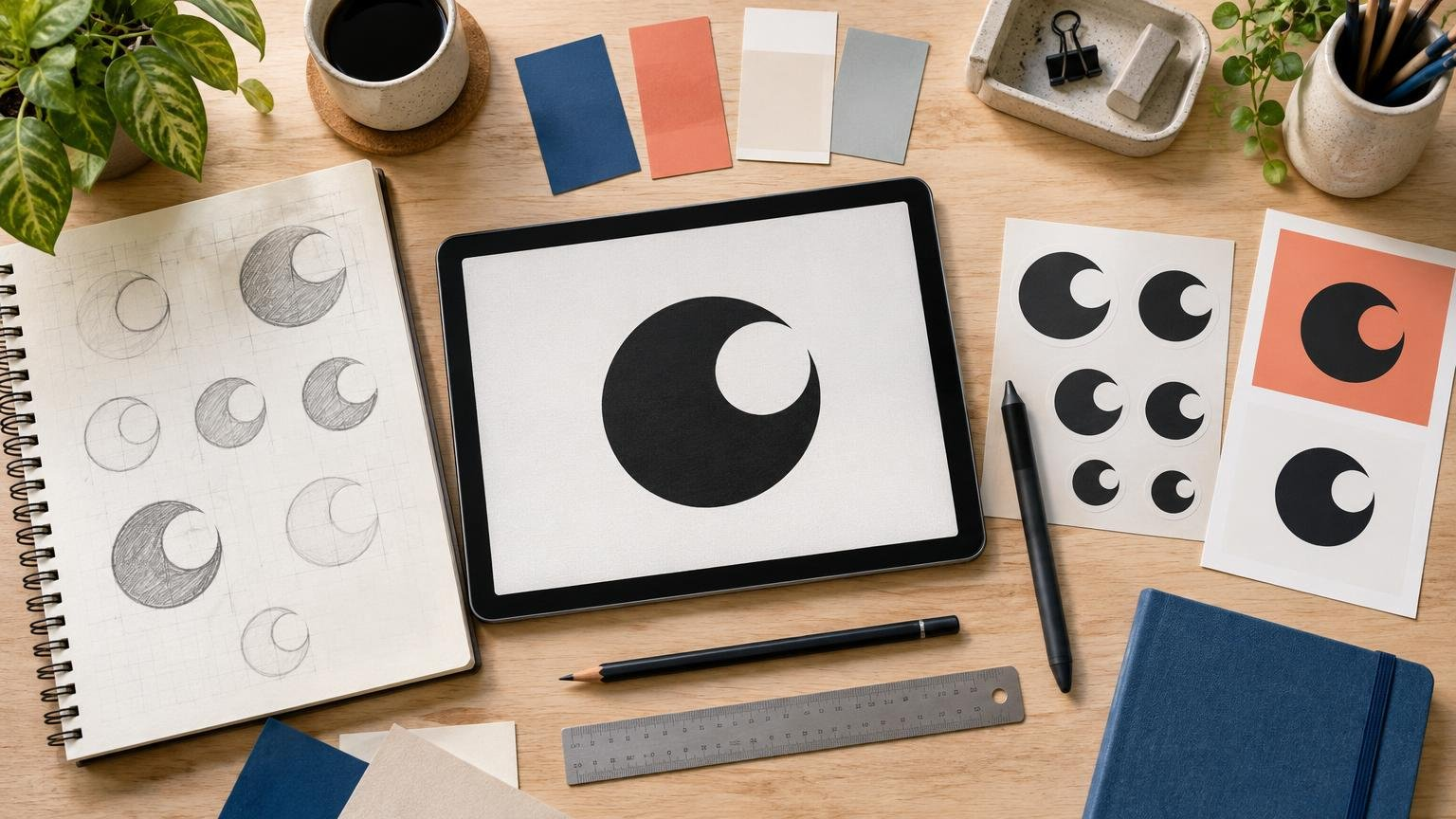
A recognizable logo combines one memorable visual cue with clear structure, consistent use, and enough technical flexibility to survive small sizes, varied backgrounds, and print production.
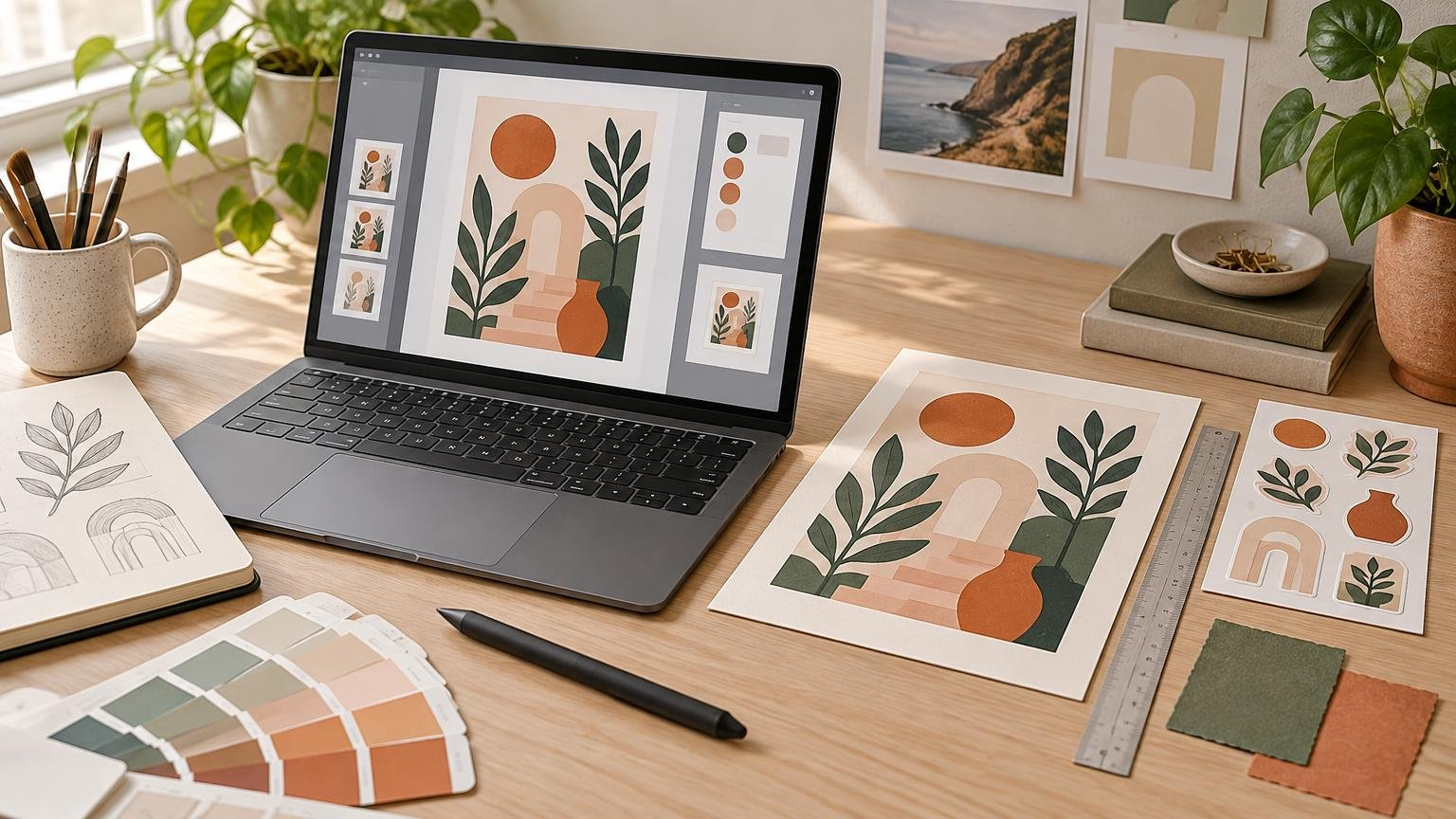
Learn how to make polished product mockups that accurately represent a print, sticker, card, digital download, or other creative product.
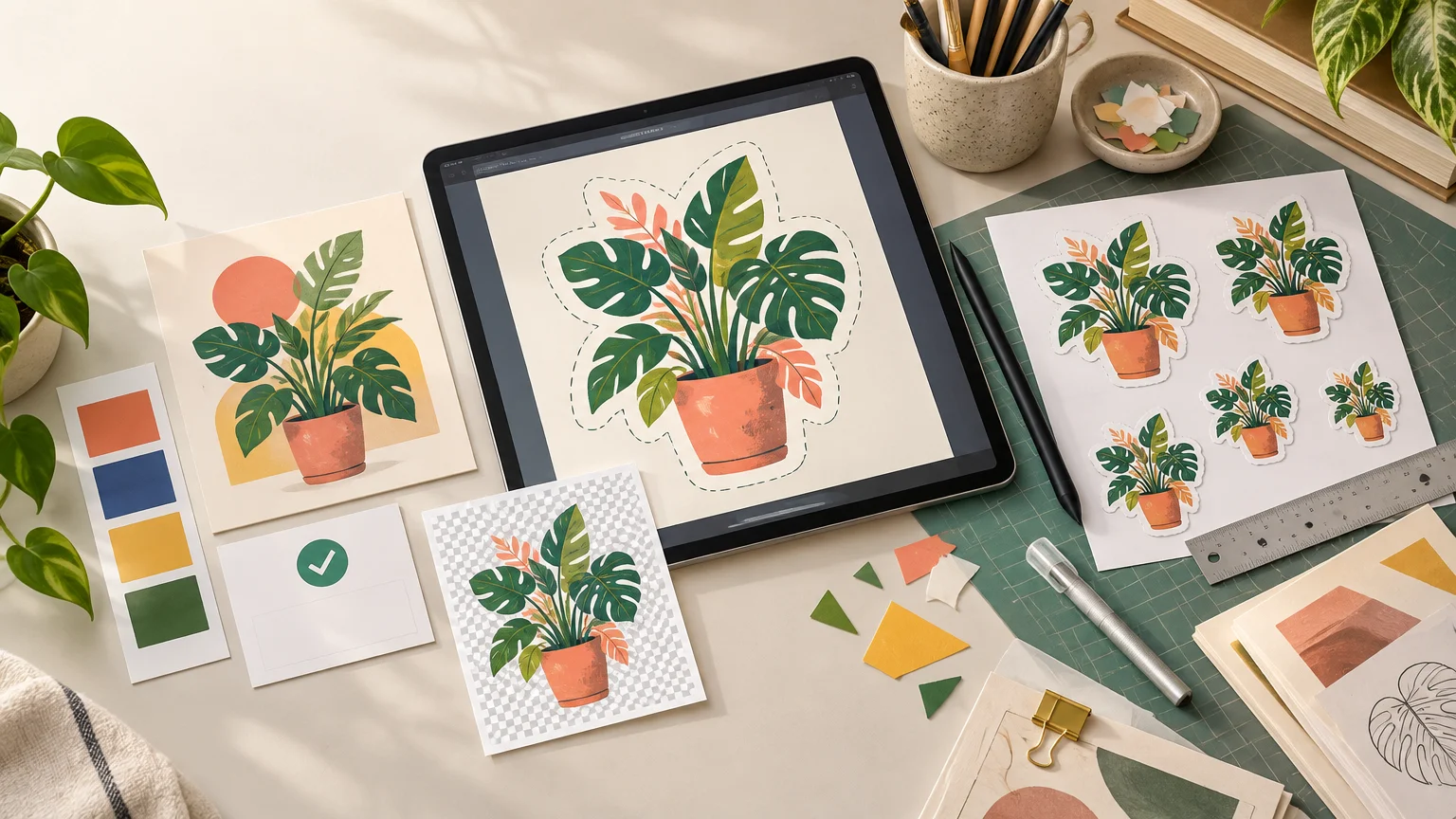
A license-first workflow for turning stock photos, illustrations, and vectors into clean, print-ready sticker designs.
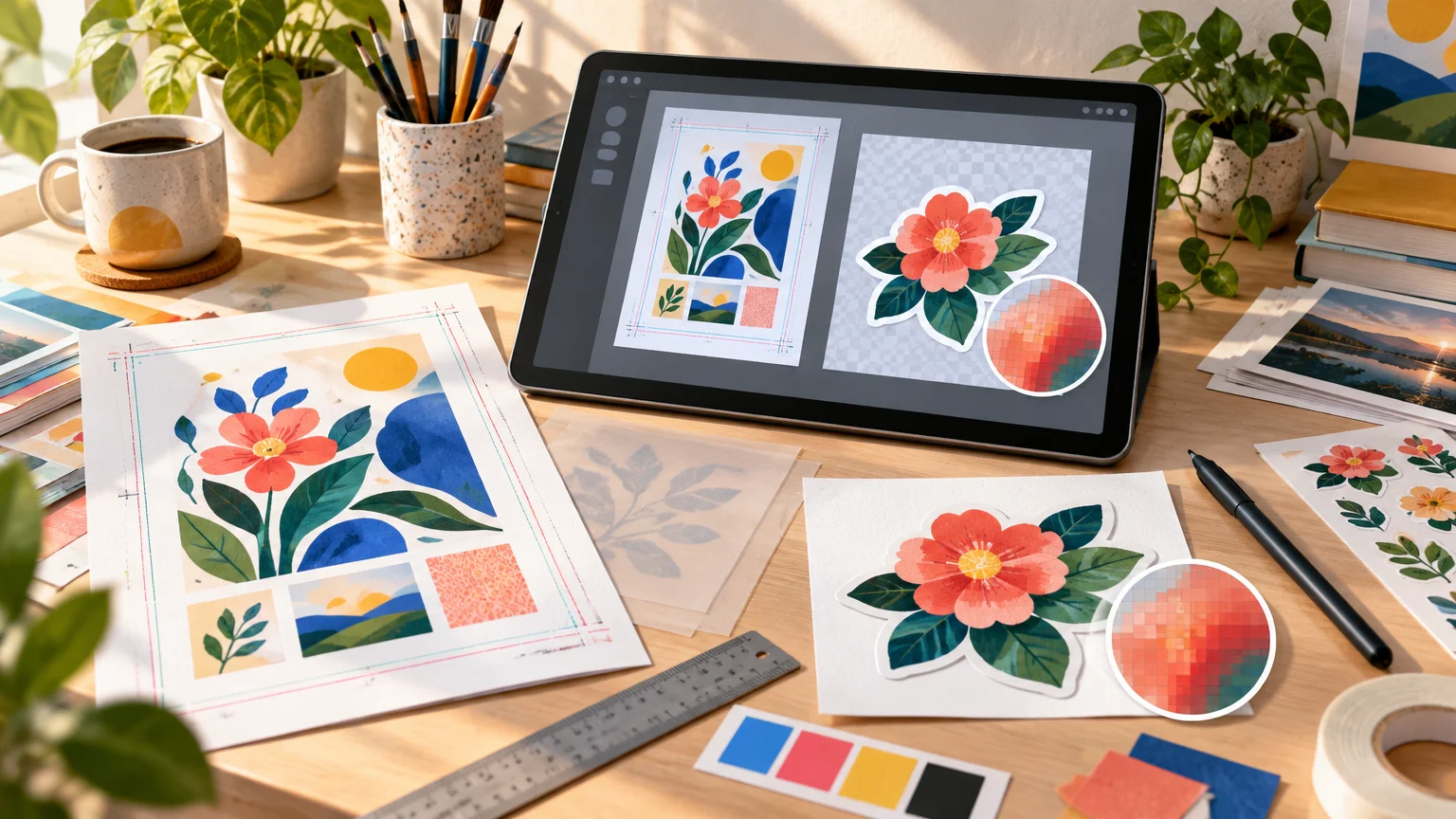
Use PDF for most complete print layouts and PNG for eligible raster artwork. Learn how resolution, bleed, color, transparency, and printer rules affect the choice.

Prepare an InDesign document for commercial printing by checking its physical dimensions, bleed, images, fonts, colors, preflight results, PDF settings, and final proof.