
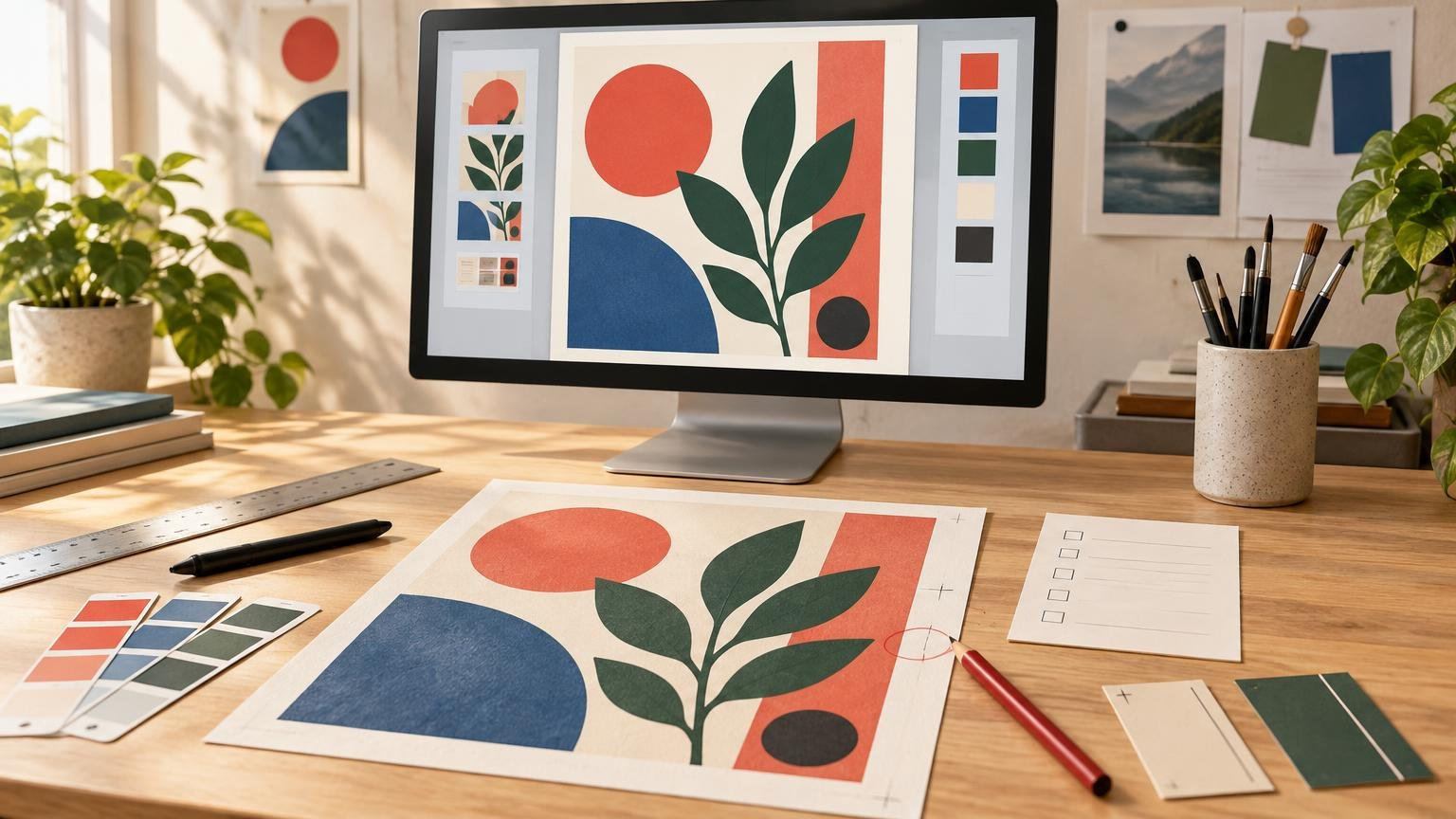
TL;DR
A print proof is a preview or prototype used to check a design before the full quantity is produced. Depending on the proof type, it may reveal problems with text, image quality, trim, folds, color, paper, finishing, or other production details. Review it at the intended physical size, compare it with the order specifications, and never assume that printer preflight includes proofreading your content.
What a print proof actually is
The term “print proof” can describe anything from an emailed PDF to a physical sheet produced under controlled printing conditions. The common purpose is simple: it creates an approval checkpoint between submitting artwork and producing the final run.
The PRINTING United Alliance glossary defines a press proof as a preliminary print made using the job’s specified image carrier, substrate, and ink—in effect, a prototype of the print job. That is more specific than the PDF preview many online printers call a proof, so always ask what the provider means by the term.
A proof is not merely a chance to say, “Yes, that looks nice.” It is your opportunity to compare the submitted design, the ordered product, and the provider’s production interpretation. If your illustration is supposed to have a border, a folded card needs one panel on the back, or a spot-gloss layer should cover only the logo, the proof is where you confirm those instructions before they become hundreds of physical copies.
The main types of print proof
| Proof type | What it can help you check | Important limitation |
|---|---|---|
| Digital PDF proof | Page order, dimensions, trim and fold indicators, placement, spelling, and obvious file problems | It cannot reproduce the physical paper, finish, texture, or exact printed color. |
| Soft proof | A color-managed on-screen simulation of a target printing condition | Its usefulness depends on the monitor, profiles, viewing environment, and correct preview settings. |
| Physical or hardcopy proof | Physical scale, general color relationships, image detail, and sometimes paper behavior | It may use a different device, paper, or finishing method from the production run. |
| Contract proof | A calibrated hardcopy simulation used as an agreed color reference | It predicts a specified printing condition, not every possible press, stock, or finish. |
| Press proof | The job produced under intended production conditions | It may be more expensive or less practical for short-run work; confirm exactly what is included. |
A contract proof has a formal color-management role. The ISO/TC 130 print-production guidance describes it as a calibrated hardcopy simulation used in a customer–printer approval relationship. It can predict production only when the final process is calibrated or adjusted to the proof’s target printing condition.
In other words, a physical proof is not automatically a press proof, and a colorful office printout is not automatically a contract proof. Ask how the proof is produced and whether its paper, inks, profile, printing process, and finishing match—or simulate—the final job.
What a print proof can and cannot tell you
A basic PDF proof is excellent for catching a reversed panel, missing image, misplaced cut line, or address sitting too close to an edge. It may also display trim and fold guides. PrintRunner, for example, describes its requested PDF proof as a digital document used to review trim lines, folding lines, and colors before production. Its exact bleed and safe-area requirements apply to its own workflow, not to every printer.
A PDF displayed on an ordinary screen cannot promise an exact color match. The Adobe color-management guidance explains that soft-proof reliability depends on factors including monitor quality, monitor and output profiles, and ambient lighting. Acrobat’s production tools can preview separations, overprinting, paper color, black ink, and ink coverage, but those tools need the appropriate settings and output information.
Nor can a flat PDF reproduce tactile effects. Uncoated stock may soften contrast, a textured sheet may interrupt fine lines, and foil or raised gloss changes how light moves across a design. Special finishes may also require separate production artwork. MOO, for example, requests a main CMYK artwork file plus a separate black-and-white PDF showing foil or spot-gloss placement for relevant business-card products. Treat that as a provider-specific workflow, not a universal export recipe.
How to review a print proof
First, step away from the overall impression. A design can look attractive while still containing an expensive production mistake. Review the proof systematically:
- Confirm the product specifications. Check the finished size, quantity, orientation, page count, paper or material, finish, folding, binding, and cut shape against the order.
- Read every word. Check names, dates, prices, contact details, URLs, punctuation, and small legal or instructional text. Read once for meaning and once character by character.
- Inspect trim, bleed, and safe areas. Backgrounds intended to reach the edge should extend through the provider’s bleed area. Keep essential text and artwork inside its stated safe area. Review bleed, margins, resolution, and file types if these zones are unfamiliar.
- Check borders and centered elements. A narrow border can make small trim variation visually obvious, even when the piece remains within production tolerance.
- View images at final physical size. Check for soft enlargement, compression artifacts, accidental cropping, missing links, and low-resolution raster elements. Vector artwork can scale cleanly, but embedded photographs and textures cannot.
- Examine color relationships. Look for shadows that have closed up, neutral grays that appear tinted, weak contrast, or bright RGB colors that shifted during conversion. A calibrated proof is more useful for color decisions than an ordinary PDF preview.
- Verify layers, transparency, and overprinting. Pay special attention to white objects, transparent shadows, small black text, knockout behavior, and effects that may flatten unexpectedly.
- Check finishing artwork. Confirm that foil, white ink, spot gloss, embossing, cut lines, or other production layers cover the intended objects and nothing else.
- Compare the proof with the original brief and exported file. This catches situations where the proof is internally consistent but represents the wrong version of the artwork.
Do not confuse preflight with proofreading
A printer may check dimensions, bleed, resolution, color mode, or other technical characteristics, but that does not mean someone is correcting your wording or design decisions. PrintRunner explicitly says its file review addresses print-related technical issues it finds and does not alter customer text or artwork. Unless your provider promises an editorial review, assume spelling, dates, alignment, hierarchy, and creative accuracy remain your responsibility.
This distinction matters for creator-led projects. A technician may notice that a logo is low resolution but have no way to know that the event date is wrong. Similarly, an automated system can detect missing bleed without understanding that a white strip is an intentional part of the composition.
Questions to ask before approving
- Is this a PDF proof, calibrated contract proof, physical sample, or press proof?
- Does it represent the final stock, printing process, color condition, and finish?
- Which aspects are approximate rather than approval targets?
- Are trim, fold, cut, and safe-area lines production guides or visible artwork?
- Will the proof include specialty layers such as white ink, foil, varnish, or a cut path?
- If I request a correction, will I receive a revised proof before production?
- Does approval waive changes or make later corrections chargeable?
For broader context on custom print products and production choices, Printiverse can help you frame questions before approving a provider-specific proof. If you are preparing stickers, the beginner sticker design workflow also shows where proof review belongs between file setup and final production.
Approve the proof, not the screen impression
A useful proof has a defined purpose. A PDF may be enough to approve spelling, placement, and trim indicators. A color-critical art edition may justify a calibrated physical proof, while a complicated specialty-finish job may need a sample that demonstrates both the printed artwork and the finishing layers.
Before clicking “approve,” identify what the proof reliably represents and what remains approximate. Then check the content, geometry, color, images, production layers, and order specifications one at a time. That deliberate review is what turns proofing from a quick formality into protection against preventable print surprises.